Choose the pace
Select whether posts should run immediately or with spacing between groups.
Smart Posting Controls
Choose how your posting workflow should move through selected groups: post all at once, use a short interval, add random spacing, or slow the process down with longer pauses.
Smart Posting Controls let you choose the pace of a Facebook group posting workflow before it starts.
When you post to multiple Facebook groups, timing matters. Sometimes you want to publish immediately. Sometimes you want a short pause between groups. And sometimes you want more spacing so the workflow feels easier to monitor and review.
AI Groups Poster gives you simple interval options: None, Short, Random, and Long. The goal is not to hide bad behavior or ignore group rules. The goal is to make repeated posting workflows more controlled, visible, and easier to manage.
Select whether posts should run immediately or with spacing between groups.
Use intervals when you want more time between posting actions.
Review the selected groups, message, interval, and schedule before continuing.
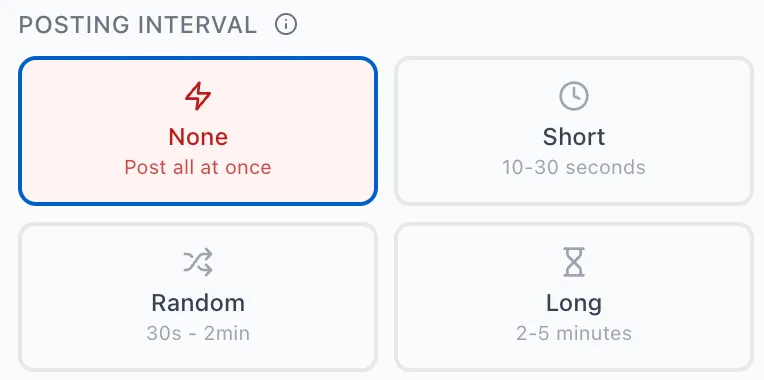
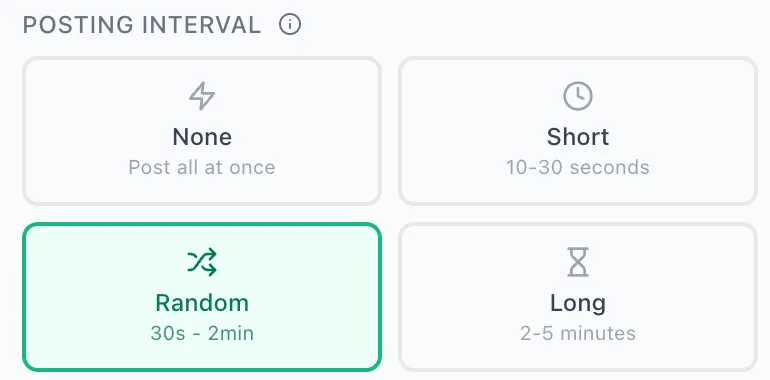
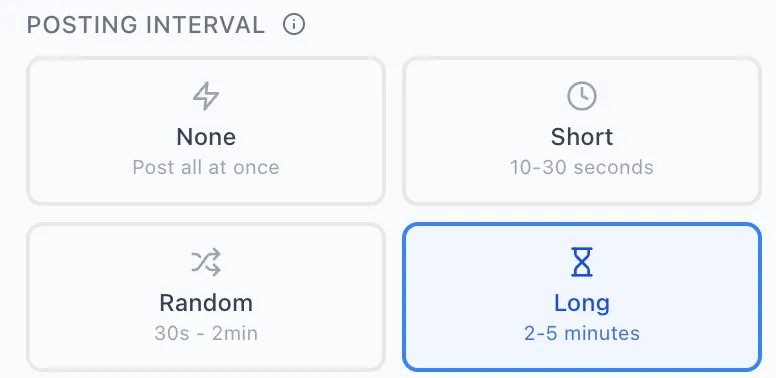
The interval selector gives you four simple options: None, Short, Random, and Long.
Use None when you want the workflow to move through selected groups without a delay between posts.
Use Short when you want a small pause between groups while keeping the workflow quick.
Use Random when you want variable spacing between posts instead of the exact same pause every time.
Use Long when you want more time between groups during a larger or more careful posting workflow.
The best interval depends on how many groups you selected, how sensitive the message is, and how much review time you want during the workflow.
| Mode | Best for | Main idea |
|---|---|---|
| None | Small, low-risk workflows | Move through the selected groups immediately. |
| Short | Fast repeated posting sessions | Add a small pause without slowing the workflow too much. |
| Random | More flexible spacing | Use variable intervals instead of one fixed pause. |
| Long | Larger or more careful workflows | Give yourself more time between groups. |
Posting controls work best when your target groups are already organized.
Smart Posting Controls are not only about speed. They also help you manage the workflow after choosing a saved group collection. For example, you can select a collection for real estate updates, recruiting posts, local events, or reseller campaigns, then choose how quickly the workflow should move through that list.
This makes the process easier to understand: first choose the right groups, then choose the right pace.
Scheduling decides when a workflow starts; posting controls decide how the workflow moves through selected groups.
Schedule Posting and Smart Posting Controls solve different parts of the same workflow. Scheduling helps you choose the date, time, and frequency. Posting controls help you choose the interval between groups once the workflow starts.
If your message goes to multiple groups, review the content before deciding how the workflow should run.
Before starting a posting workflow, you can use the AI Post Rewriter to prepare cleaner variations for selected groups. After the content looks right, Smart Posting Controls help you decide whether the workflow should move quickly or with more spacing.
Posting intervals are workflow controls, not a way to ignore platform rules or group rules.
A slower or random interval does not make an irrelevant post acceptable. Before starting any workflow, review the selected groups, check the message, follow each group's rules, and make sure the content is useful for the people reading it.
Smart Posting Controls handle the pacing part of the Facebook group posting workflow.
AI Groups Poster is built around a simple sequence: prepare the post, create variations, select target groups, review the final messages, choose the posting interval, and then decide whether to post now or schedule the workflow for later.
Smart Posting Controls let you choose the interval between posting actions in a Facebook group posting workflow.
AI Groups Poster currently supports None, Short, Random, and Long interval options.
None means the workflow moves through selected groups without adding a delay between posts.
Random interval mode uses variable spacing between posts, currently shown as 30 seconds to 2 minutes.
No. No tool can promise account outcomes, reach, approvals, engagement, or leads. Users are responsible for following platform and group rules.
Not always. Small workflows may not need spacing. Larger or more careful workflows may benefit from Short, Random, or Long intervals.
Use Smart Posting Controls to choose how quickly your workflow moves through selected groups, while keeping review and responsible posting in your hands.