1
Write both messages in one place
Draft your post as usual, then add the comment you want people to see next.
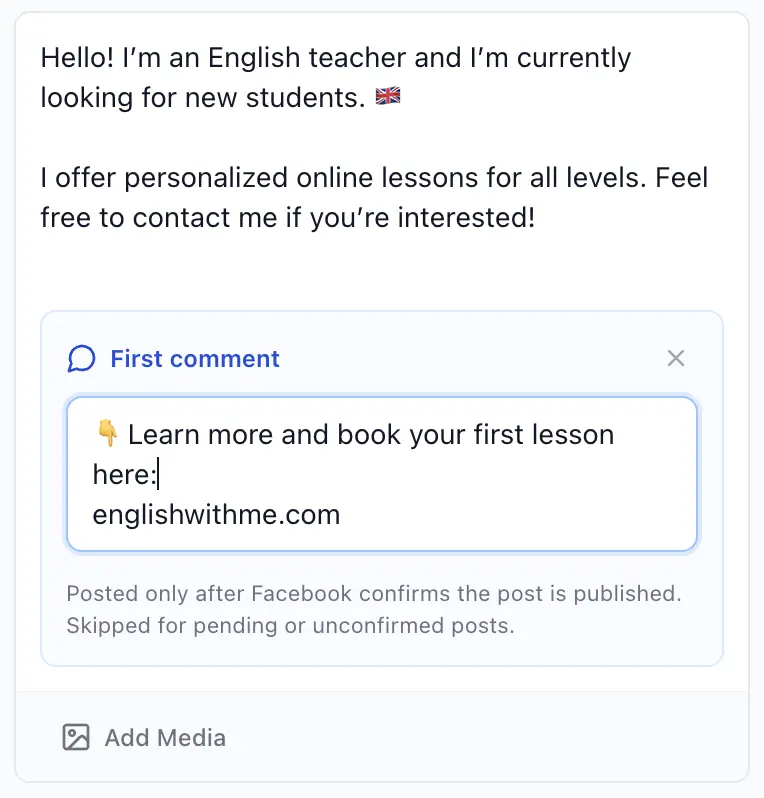
First Comment
Add a comment while you write your Facebook group post. AI Groups Poster posts it below the right post after Facebook confirms the post is live.
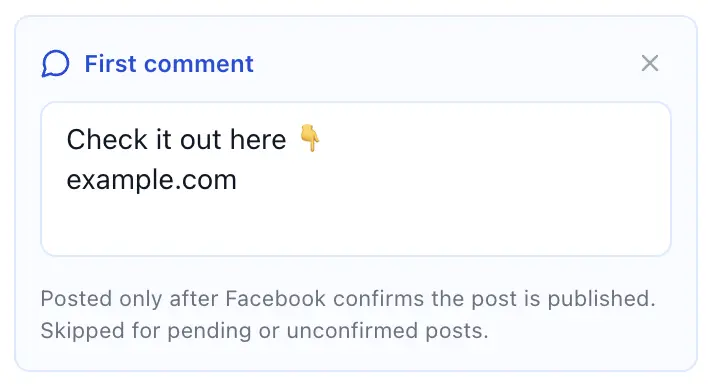
How it works
Keep the main message clean, then put the link, booking page, or extra detail in the first comment.
Draft your post as usual, then add the comment you want people to see next.
Once Facebook confirms the post, the saved comment is added below that exact post.
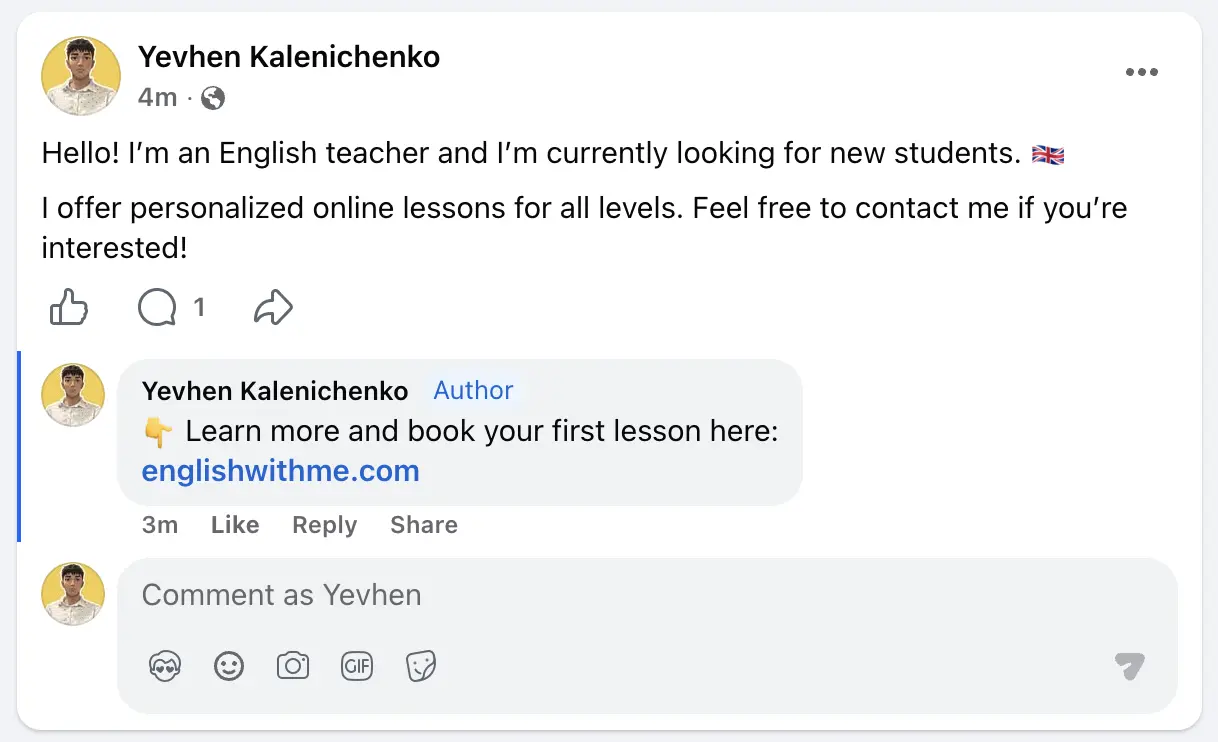
Made to stay precise
Add the first comment while preparing the post. After Facebook confirms the post is published, AI Groups Poster opens that exact post and adds the saved comment.
Prepare the first comment with your post, then let AI Groups Poster handle the follow-up.